Kubernetes at Scale: Production Lessons for Running K8s in the Real World
Kubernetes has won the container war, but running it in production is still hard. Learn battle-tested patterns for resource management, cost optimization, security, and day-2 operations.
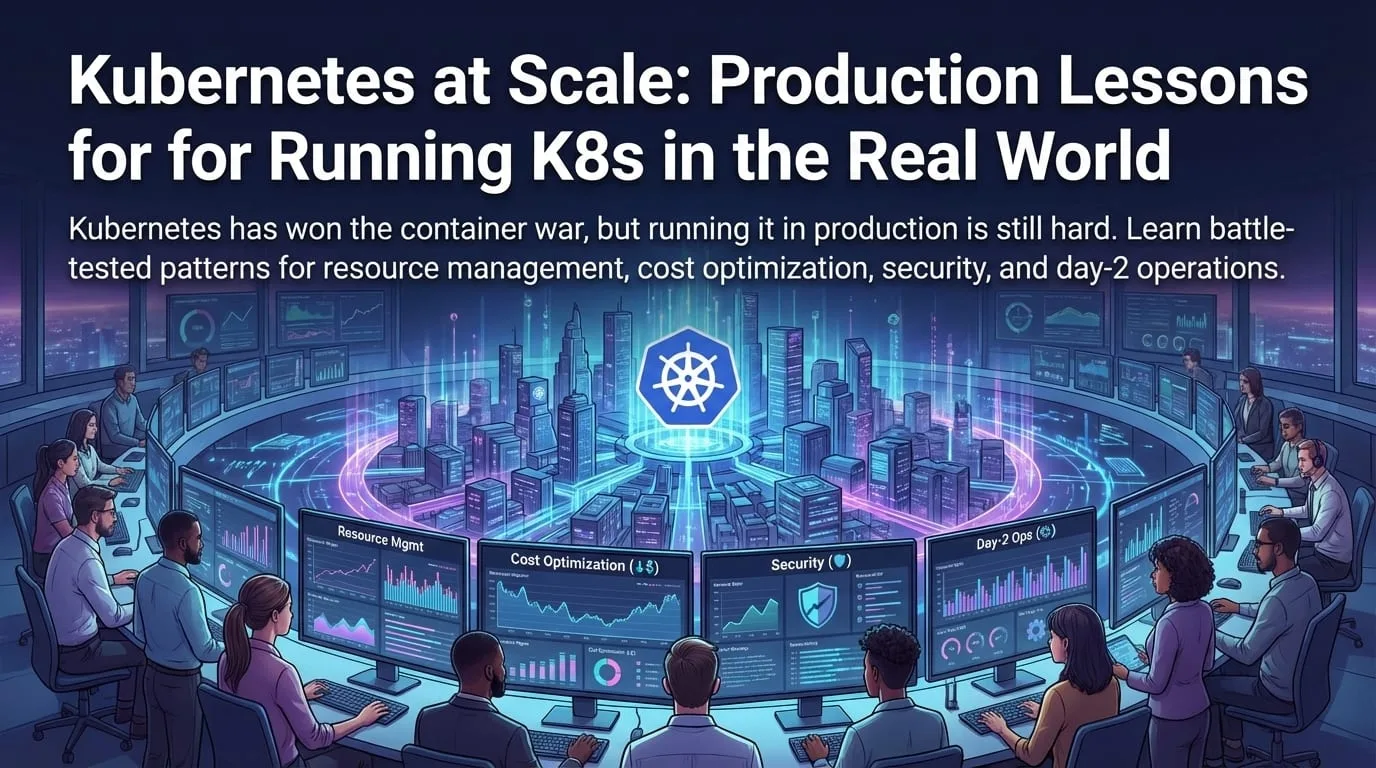
Kubernetes (K8s) has become the operating system of the cloud. It provides a standard way to deploy and manage containerized applications anywhere-on-premises, in the cloud, or at the edge. But "standard" doesn't mean "easy."
As organizations move from proof-of-concept to large-scale production, they hit a complexity wall. Here are the lessons we've learned running Kubernetes at scale across dozens of production environments.
Lesson 1: Don't Roll Your Own Control Plane
Unless you're Google, Amazon, or Microsoft, you should not be managing your own Kubernetes control plane.
Self-Managed vs. Managed Kubernetes
──────────────────────────────────────────────────────────────────

Self-Managed (kubeadm, Rancher, etc.)
├── You manage: etcd, API server, scheduler, controller manager
├── You handle: Upgrades, HA, certificates, etcd backup/restore
├── Team effort: 2-3 FTEs just for platform maintenance
└── Risk: Single misconfiguration can take down entire cluster

Managed Kubernetes (EKS, AKS, GKE)
├── Provider manages: Control plane, upgrades, HA, security patches
├── You manage: Worker nodes, workloads, networking policies
├── Team effort: Focus on applications, not infrastructure
└── SLA: 99.95% uptime guaranteed for control plane
Managed Kubernetes Comparison
| Provider | Product | Best For | Key Strengths |
|---|---|---|---|
| AWS | EKS | AWS-native shops | Deep AWS integration, Fargate support |
| Azure | AKS | Microsoft shops | Azure AD, Windows container support |
| GKE | K8s purists | Most advanced features, Autopilot mode | |
| Multi-cloud | Rancher | Hybrid/multi-cloud | Unified management across providers |
Bottom line: Your value is in the applications running on the cluster, not the cluster itself.
Lesson 2: Resource Limits Are Non-Negotiable
The most common production incident pattern: one misbehaving pod consumes all memory on a node, triggering an OOM kill cascade that takes down healthy pods.
The Noisy Neighbor Problem
Node Memory: 16GB Total
──────────────────────────────────────────────────────────────────

Without Limits:
┌─────────────────────────────────────────────────────────────────┐
│ Pod A (memory leak)                                              │
│ ████████████████████████████████████████████████░░░░░░░░░░░░░░░ │
│ 14GB used... growing... OOM Kill!                                │
└─────────────────────────────────────────────────────────────────┘
Result: Node crash, all pods evicted, cascade failure

With Limits:
┌─────────────────────────────────────────────────────────────────┐
│ Pod A: ████████ (4GB limit - OOM killed when exceeded)          │
│ Pod B: ████████ (4GB limit - healthy)                           │
│ Pod C: ████████ (4GB limit - healthy)                           │
│ System: ████ (4GB reserved)                                      │
└─────────────────────────────────────────────────────────────────┘
Result: Only Pod A dies, others unaffected
Implementing Resource Governance
# Namespace-level defaults with LimitRange
apiVersion: v1
kind: LimitRange
metadata:
  name: default-limits
  namespace: production
spec:
  limits:
    - type: Container
      default:
        memory: "512Mi"
        cpu: "500m"
      defaultRequest:
        memory: "256Mi"
        cpu: "100m"
      max:
        memory: "4Gi"
        cpu: "2"
      min:
        memory: "64Mi"
        cpu: "50m"
---
# Namespace quotas to prevent runaway scaling
apiVersion: v1
kind: ResourceQuota
metadata:
  name: production-quota
  namespace: production
spec:
  hard:
    requests.cpu: "20"
    requests.memory: "40Gi"
    limits.cpu: "40"
    limits.memory: "80Gi"
    pods: "100"
    persistentvolumeclaims: "20"
Pod Resource Spec Best Practices
apiVersion: apps/v1
kind: Deployment
metadata:
  name: api-server
spec:
  template:
    spec:
      containers:
        - name: api
          image: myapp/api:v1.2.3
          resources:
            requests:
              # Guaranteed minimum - used for scheduling
              memory: "256Mi"
              cpu: "100m"
            limits:
              # Hard cap - container is killed if exceeded
              memory: "1Gi"
              cpu: "1"
          # Probes prevent traffic to unhealthy pods
          livenessProbe:
            httpGet:
              path: /health
              port: 8080
            initialDelaySeconds: 10
            periodSeconds: 10
          readinessProbe:
            httpGet:
              path: /ready
              port: 8080
            initialDelaySeconds: 5
            periodSeconds: 5
Calculating Right-Sized Resources
Resource Sizing Formula
──────────────────────────────────────────────────────────────────

Memory Request = p95 usage + 20% buffer
Memory Limit = p99 usage + 50% buffer (or max observed spike)

CPU Request = average usage (for scheduling)
CPU Limit = 2x CPU request (allows bursting, prevents monopolization)

Example for Java API:
├── Observed p95 memory: 800MB
├── Observed p99 memory: 950MB
├── Memory request: 800MB * 1.2 = 960Mi
├── Memory limit: 950MB * 1.5 = 1425Mi ≈ 1.5Gi
└── CPU request: 200m, limit: 500m
Lesson 3: GitOps Is the Only Way
Managing Kubernetes with kubectl apply commands doesn't scale. When you have
50 services across 3 environments, you need GitOps.
GitOps Principles
GitOps Model
──────────────────────────────────────────────────────────────────

                     ┌─────────────────┐
                     │   Git Repo      │
                     │ (Source of Truth)│
                     └────────┬────────┘
                              │
                         Git Commit
                              │
                              ▼
                     ┌─────────────────┐
                     │ GitOps Operator │
                     │ (ArgoCD / Flux) │
                     └────────┬────────┘
                              │
                         Reconcile
                              │
                              ▼
                     ┌─────────────────┐
                     │  Kubernetes     │
                     │    Cluster      │
                     └─────────────────┘

Key Principle: Cluster state = Git state
├── To deploy: Push to Git
├── To rollback: Revert Git commit
└── Drift detection: Operator alerts if cluster differs from Git
ArgoCD Application Example
apiVersion: argoproj.io/v1alpha1
kind: Application
metadata:
  name: my-api
  namespace: argocd
spec:
  project: default
  source:
    repoURL: https://github.com/myorg/k8s-manifests
    targetRevision: main
    path: apps/my-api/overlays/production
  destination:
    server: https://kubernetes.default.svc
    namespace: production
  syncPolicy:
    automated:
      prune: true # Remove resources not in Git
      selfHeal: true # Revert manual changes
    syncOptions:
      - CreateNamespace=true
      - PrunePropagationPolicy=foreground
    retry:
      limit: 5
      backoff:
        duration: 5s
        factor: 2
        maxDuration: 3m
Multi-Environment Structure
k8s-manifests/
├── base/
│   ├── deployment.yaml
│   ├── service.yaml
│   └── kustomization.yaml
├── overlays/
│   ├── development/
│   │   ├── kustomization.yaml
│   │   ├── replicas-patch.yaml
│   │   └── resources-patch.yaml
│   ├── staging/
│   │   ├── kustomization.yaml
│   │   └── replicas-patch.yaml
│   └── production/
│       ├── kustomization.yaml
│       ├── replicas-patch.yaml
│       ├── hpa.yaml
│       └── pdb.yaml
└── applications/
    └── my-api.yaml (ArgoCD Application)
Lesson 4: Security Cannot Be an Afterthought
Kubernetes defaults are permissive. In production, you need defense in depth.
Pod Security Standards
# Enforce restricted security standard (K8s 1.25+)
apiVersion: v1
kind: Namespace
metadata:
  name: production
  labels:
    pod-security.kubernetes.io/enforce: restricted
    pod-security.kubernetes.io/audit: restricted
    pod-security.kubernetes.io/warn: restricted
---
# Secure pod spec
apiVersion: v1
kind: Pod
metadata:
  name: secure-pod
spec:
  securityContext:
    runAsNonRoot: true
    runAsUser: 1000
    fsGroup: 1000
    seccompProfile:
      type: RuntimeDefault
  containers:
    - name: app
      image: myapp:v1
      securityContext:
        allowPrivilegeEscalation: false
        readOnlyRootFilesystem: true
        capabilities:
          drop:
            - ALL
      volumeMounts:
        - name: tmp
          mountPath: /tmp
  volumes:
    - name: tmp
      emptyDir: {}
Network Policies
# Default deny all ingress
apiVersion: networking.k8s.io/v1
kind: NetworkPolicy
metadata:
  name: default-deny-ingress
  namespace: production
spec:
  podSelector: {}
  policyTypes:
    - Ingress
---
# Allow only from frontend to API
apiVersion: networking.k8s.io/v1
kind: NetworkPolicy
metadata:
  name: api-allow-frontend
  namespace: production
spec:
  podSelector:
    matchLabels:
      app: api
  policyTypes:
    - Ingress
  ingress:
    - from:
        - podSelector:
            matchLabels:
              app: frontend
      ports:
        - protocol: TCP
          port: 8080
RBAC Best Practices
# Minimal RBAC for CI/CD
apiVersion: rbac.authorization.k8s.io/v1
kind: Role
metadata:
  name: deployment-manager
  namespace: production
rules:
  - apiGroups: ["apps"]
    resources: ["deployments", "replicasets"]
    verbs: ["get", "list", "watch", "create", "update", "patch"]
  - apiGroups: [""]
    resources: ["configmaps", "secrets"]
    verbs: ["get", "list"]
  - apiGroups: [""]
    resources: ["pods"]
    verbs: ["get", "list", "watch"]
    # Note: no delete permission prevents accidental pod kills
Lesson 5: Observability Is Mandatory
You can't manage what you can't see. Kubernetes observability requires three pillars:
Three Pillars of Observability
──────────────────────────────────────────────────────────────────

     Metrics                  Logs                   Traces
        │                       │                       │
        ▼                       ▼                       ▼
   Prometheus              Loki/ELK                Jaeger/Tempo
        │                       │                       │
        └───────────────────────┼───────────────────────┘
                                │
                                ▼
                         ┌───────────┐
                         │  Grafana  │
                         └───────────┘

What Each Answers:
├── Metrics: Is something broken? (RED method: Rate, Errors, Duration)
├── Logs: What broke? (Error messages, stack traces)
└── Traces: Why did it break? (Request path through services)
Prometheus ServiceMonitor
apiVersion: monitoring.coreos.com/v1
kind: ServiceMonitor
metadata:
  name: api-monitor
  namespace: production
spec:
  selector:
    matchLabels:
      app: api
  endpoints:
    - port: metrics
      interval: 15s
      path: /metrics
  namespaceSelector:
    matchNames:
      - production
---
# PrometheusRule for alerting
apiVersion: monitoring.coreos.com/v1
kind: PrometheusRule
metadata:
  name: api-alerts
spec:
  groups:
    - name: api-alerts
      rules:
        - alert: HighErrorRate
          expr: |
            sum(rate(http_requests_total{status=~"5.."}[5m]))
            / sum(rate(http_requests_total[5m])) > 0.05
          for: 5m
          labels:
            severity: critical
          annotations:
            summary: "High error rate detected"
            description: "Error rate is {{ $value | humanizePercentage }}"
Lesson 6: Cost Optimization at Scale
Kubernetes makes it easy to over-provision. Here's how to manage costs:
Right-Sizing Workflow
Cost Optimization Cycle
──────────────────────────────────────────────────────────────────

1. Measure
   ├── Deploy Vertical Pod Autoscaler in recommend-only mode
   ├── Collect resource usage metrics
   └── Identify over-provisioned workloads

2. Analyze
   ├── Compare requests vs. actual usage
   ├── Identify unused namespaces/deployments
   └── Calculate waste percentage

3. Optimize
   ├── Right-size resource requests
   ├── Implement HPA for variable workloads
   ├── Use Spot/Preemptible nodes for non-critical workloads
   └── Schedule non-critical workloads off-peak

4. Automate
   ├── Goldilocks for automatic recommendations
   ├── Cost monitoring dashboards
   └── Alerts for waste thresholds
Horizontal Pod Autoscaler
apiVersion: autoscaling/v2
kind: HorizontalPodAutoscaler
metadata:
  name: api-hpa
  namespace: production
spec:
  scaleTargetRef:
    apiVersion: apps/v1
    kind: Deployment
    name: api
  minReplicas: 3
  maxReplicas: 20
  metrics:
    - type: Resource
      resource:
        name: cpu
        target:
          type: Utilization
          averageUtilization: 70
    - type: Resource
      resource:
        name: memory
        target:
          type: Utilization
          averageUtilization: 80
  behavior:
    scaleDown:
      stabilizationWindowSeconds: 300
      policies:
        - type: Percent
          value: 10
          periodSeconds: 60
    scaleUp:
      stabilizationWindowSeconds: 0
      policies:
        - type: Percent
          value: 100
          periodSeconds: 15
Node Pool Strategy
| Pool Type | Instance Type | Use Case | Cost Savings |
|---|---|---|---|
| System | Standard, On-demand | Control plane add-ons | N/A (required) |
| Critical | Standard, On-demand | Production workloads | Baseline |
| Burstable | Spot/Preemptible | CI/CD, batch jobs | 60-90% |
| GPU | GPU instances, On-demand | ML inference | N/A (specialized) |
Lesson 7: High Availability Patterns
Single points of failure are unacceptable in production:
Pod Disruption Budgets
apiVersion: policy/v1
kind: PodDisruptionBudget
metadata:
  name: api-pdb
  namespace: production
spec:
  minAvailable: 2 # Or: maxUnavailable: 1
  selector:
    matchLabels:
      app: api
---
# Combined with anti-affinity for zone spreading
apiVersion: apps/v1
kind: Deployment
metadata:
  name: api
spec:
  replicas: 3
  template:
    spec:
      topologySpreadConstraints:
        - maxSkew: 1
          topologyKey: topology.kubernetes.io/zone
          whenUnsatisfiable: DoNotSchedule
          labelSelector:
            matchLabels:
              app: api
      affinity:
        podAntiAffinity:
          requiredDuringSchedulingIgnoredDuringExecution:
            - labelSelector:
                matchExpressions:
                  - key: app
                    operator: In
                    values:
                      - api
              topologyKey: kubernetes.io/hostname
Graceful Shutdown
apiVersion: apps/v1
kind: Deployment
metadata:
  name: api
spec:
  template:
    spec:
      terminationGracePeriodSeconds: 60
      containers:
        - name: api
          lifecycle:
            preStop:
              exec:
                command:
                  - /bin/sh
                  - -c
                  - |
                    # Stop accepting new requests
                    # Wait for in-flight requests to complete
                    sleep 15
The Kubernetes Maturity Model
Kubernetes Maturity Levels
──────────────────────────────────────────────────────────────────

Level 1: Basic (Day 0-30)
├── Managed K8s cluster running
├── kubectl access configured
├── Basic deployments working
└── Manual deployments

Level 2: Foundational (Month 1-3)
├── CI/CD pipeline deploys to K8s
├── Namespaces per environment
├── Resource limits enforced
└── Basic monitoring (pod restarts, CPU/memory)

Level 3: Operational (Month 3-6)
├── GitOps with ArgoCD/Flux
├── Comprehensive monitoring and alerting
├── Secrets management (Vault/ESO)
├── Network policies implemented
└── Disaster recovery tested

Level 4: Optimized (Month 6-12)
├── Auto-scaling (HPA/VPA/Cluster)
├── Cost optimization active
├── Service mesh for observability
├── Policy enforcement (OPA/Kyverno)
└── Self-service for developers

Level 5: Advanced (Year 1+)
├── Multi-cluster management
├── Edge/hybrid deployments
├── Platform as a product mindset
├── Golden paths for developers
└── Continuous optimization loop
Key Takeaways
- Use managed Kubernetes unless you have a dedicated platform team
- Resource limits are mandatory-enforce at the namespace level
- GitOps is the standard-ArgoCD or Flux for declarative deployments
- Security by default-Pod Security Standards, Network Policies, RBAC
- Observability is non-negotiable-metrics, logs, and traces
- Right-size continuously-measure, analyze, optimize, automate
- Plan for failure-PDBs, anti-affinity, graceful shutdown
- Treat your platform as a product, not a project
Kubernetes is powerful, but it's a complex beast. Success requires discipline, automation, and a refusal to reinvent the wheel. The organizations that thrive are those that invest in platform engineering and developer experience.
Struggling with Kubernetes at scale? Contact EGI Consulting for architecture reviews, platform engineering strategy, and hands-on implementation support for production-grade Kubernetes environments.
Keep reading
All articles
Platform Engineering: The Complete Guide to Building Internal Developer Platforms
Scalable Cloud Architecture for High-Growth Startups: A Complete Guide to Building for Scale
Observability Strategy for Modern Applications: Logs, Metrics, Traces, and Business Signals
Get new articles by email.
One or two a month. No marketing, no forwarding your address. Unsubscribe anytime.